
Core Features
Creating Chapters from a Video
This is the core feature of the service.
How it works:
1. Paste a YouTube video link
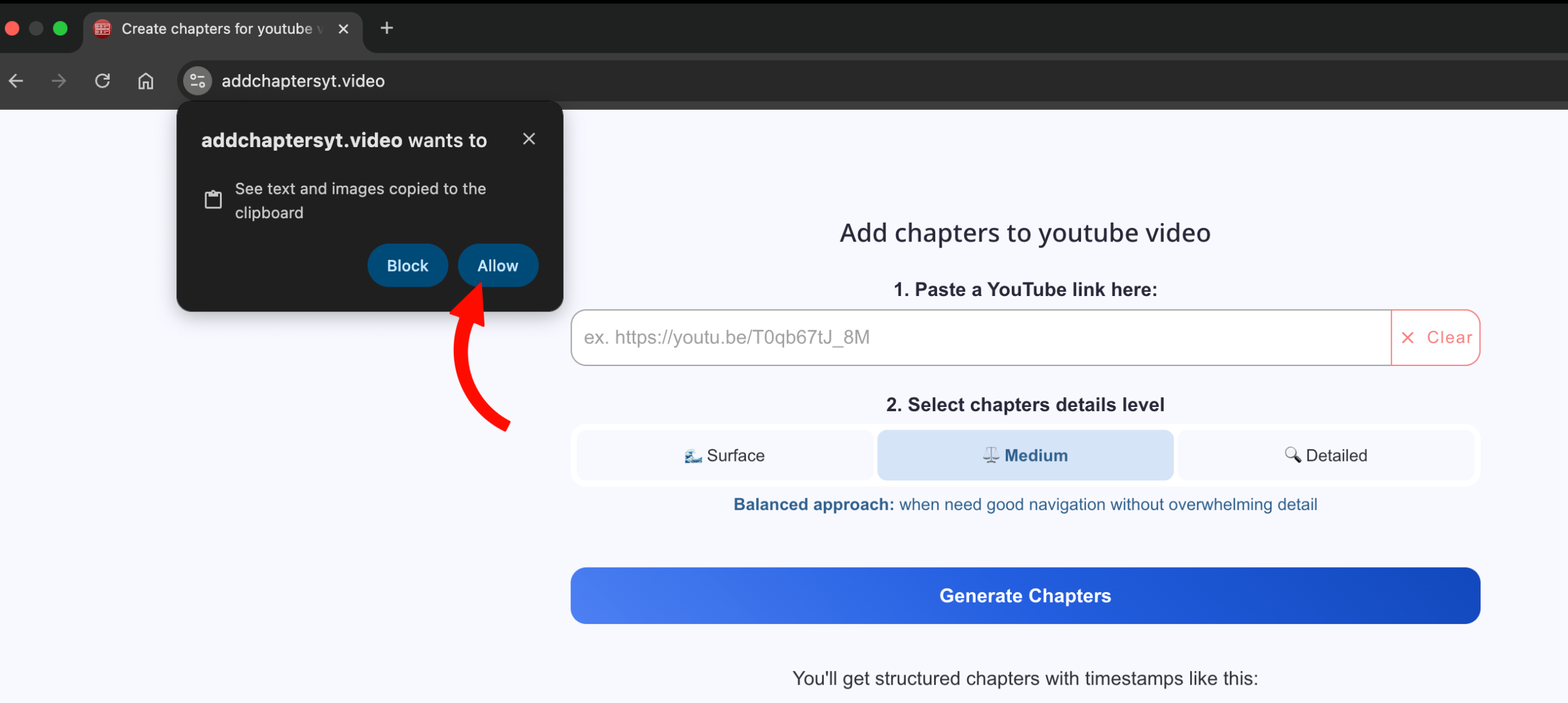
On first use, when you click the Paste button, your browser will ask for permission to access the clipboard. Click “Allow” if you want to use this button for convenience in the future (this is required only once).
2. Select the level of chapter detail
3. Click the “Generate Chapters” button
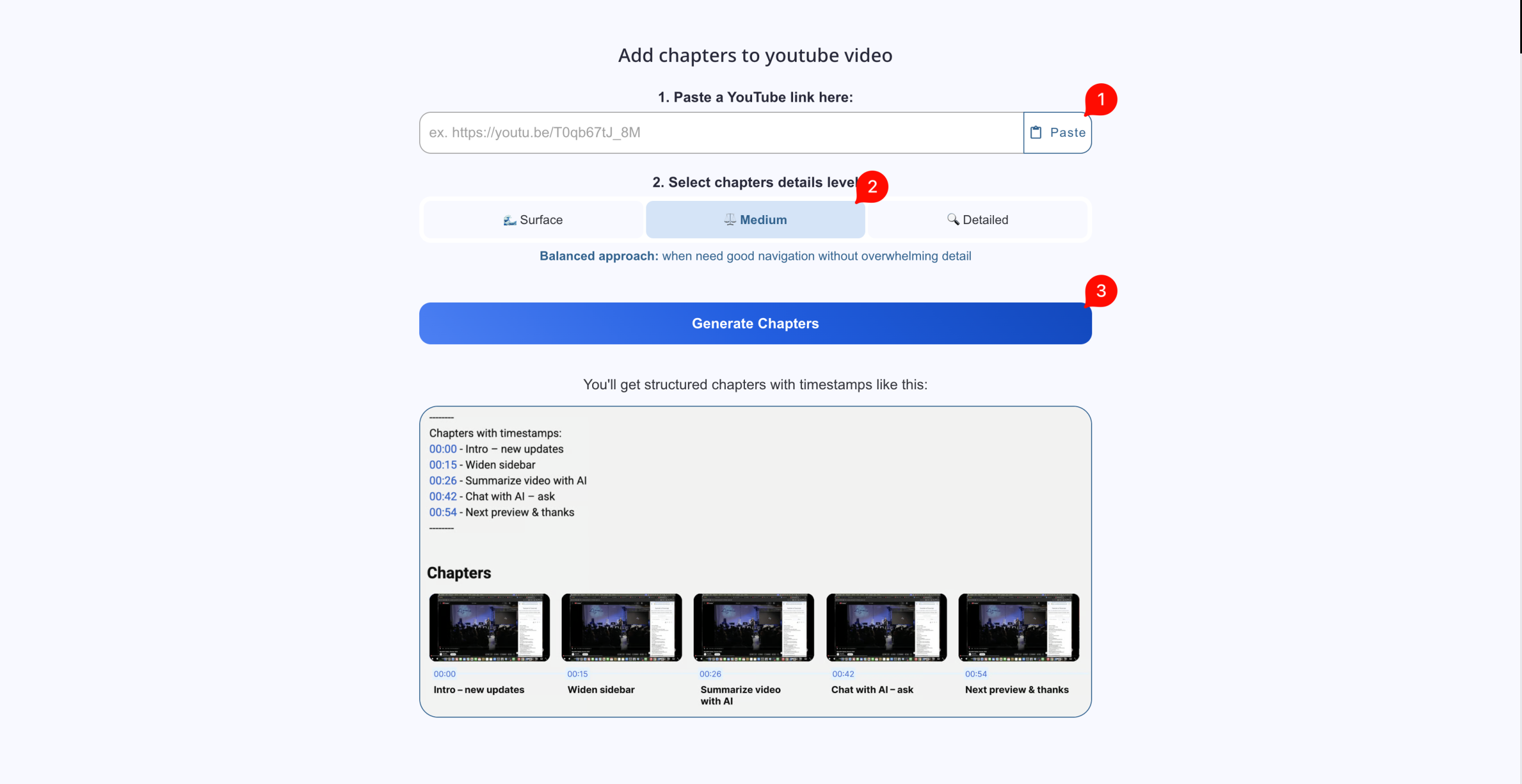
4. Copy the result and paste it into the YouTube video description or into a comment (if you are a viewer)
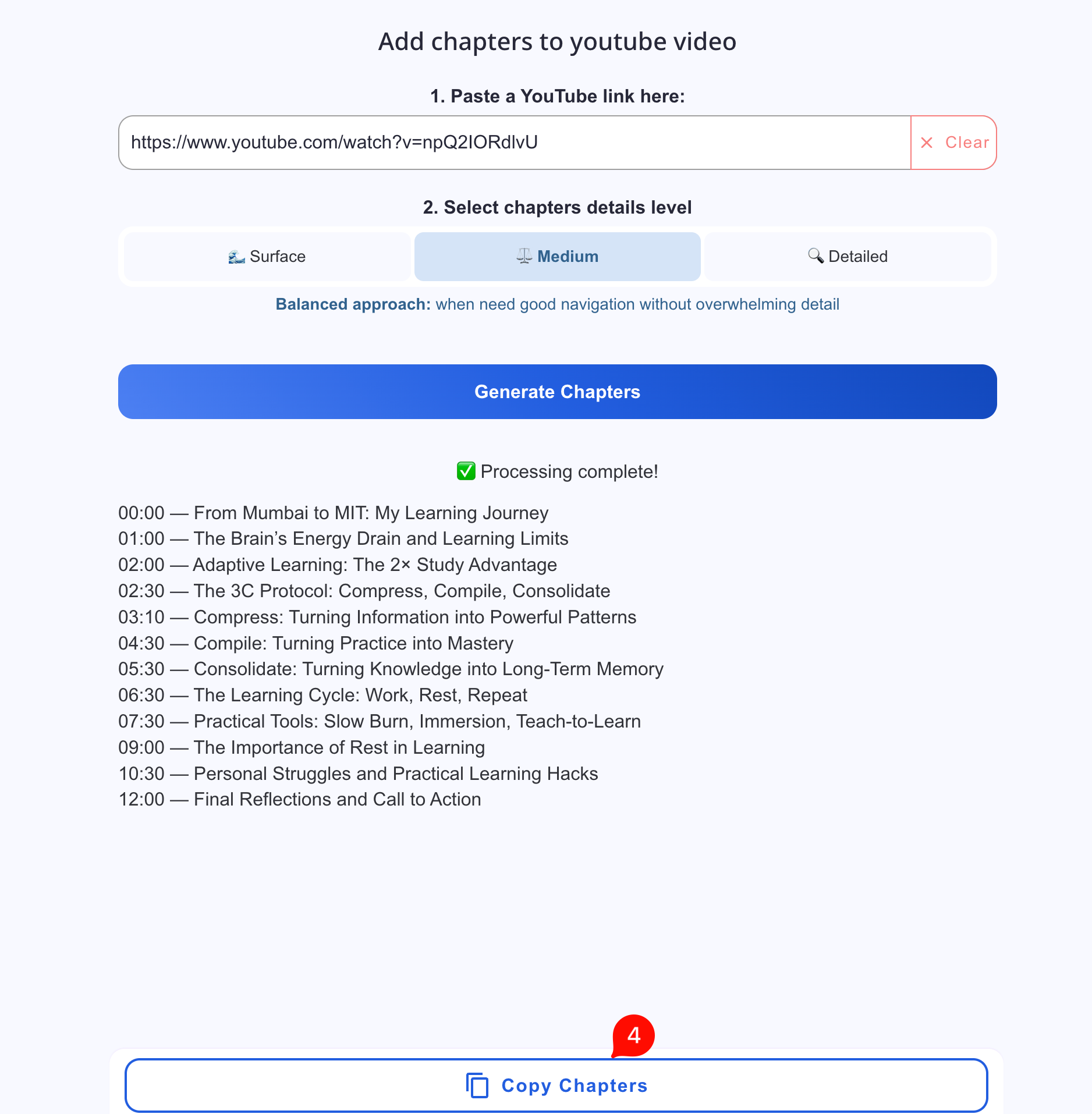
Chapter Detail Levels
You can control how detailed the chapters are.
Surface
Best when you need a basic structure for long videos or simple navigation.
Creates high-level sections such as introduction, main parts, and conclusion.
Medium
Recommended for most content creators.
Splits the video into main topics and logical blocks.
Detailed
Best suited for educational content, lessons, and technical videos.
Detects topic and subtopic changes.
Tip: If you’re not sure, start with Medium.
Working with Subtitles and Transcripts
The AI-based Youtube chapter generator can work both with existing subtitles and without them.
- If subtitles exist → they are analyzed directly.
- If subtitles are missing → the video is transcribed using AI.
You can download the generated transcript in TXT, SRT, and VTT formats.
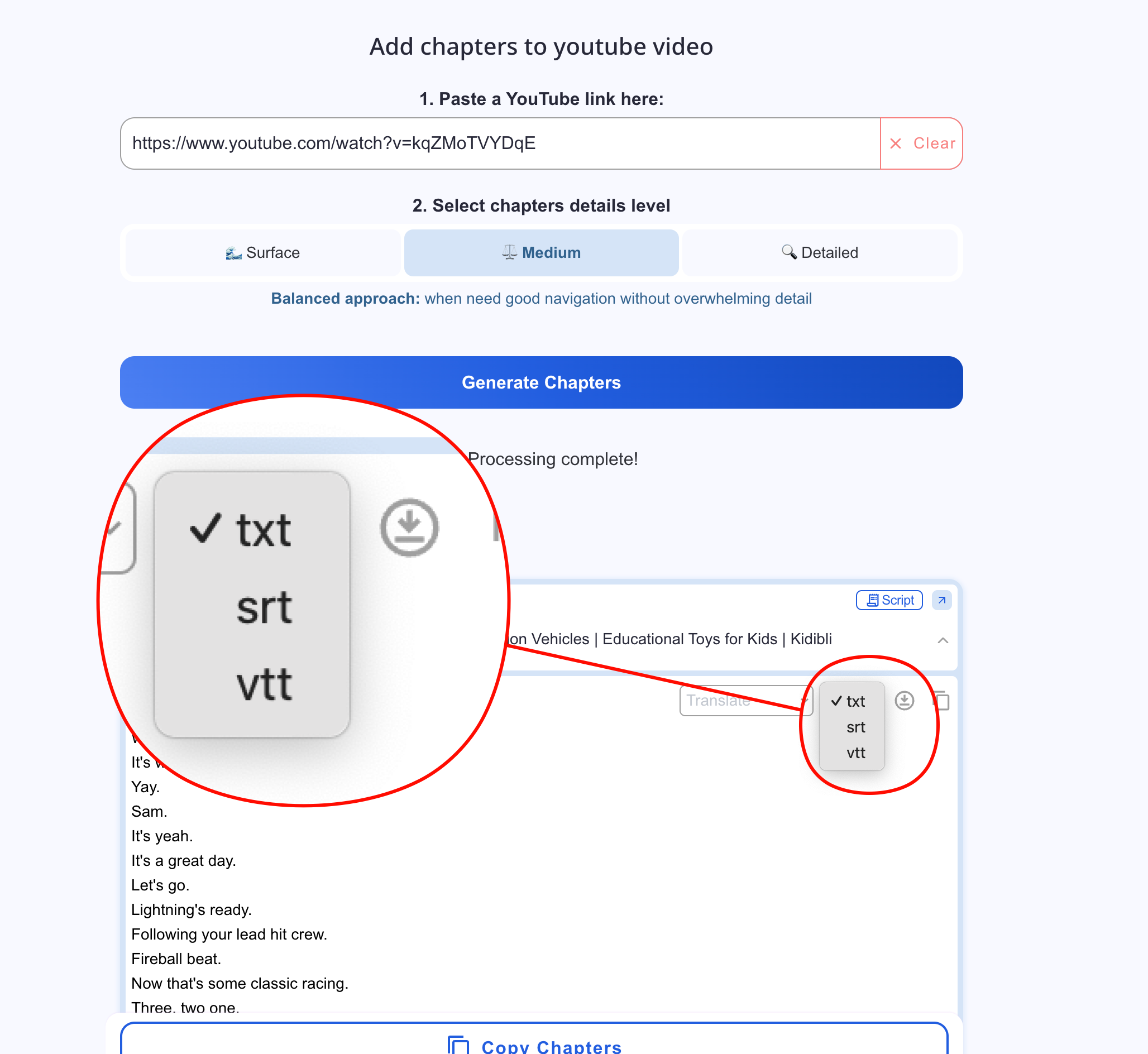
This is useful if you want to:
- upload subtitles to YouTube
- reuse the transcript elsewhere